
Blur Faces & License Plates
Blur or pixelate faces, license plates and other private details in a photo before you share it.
Written by SamundraLast updated
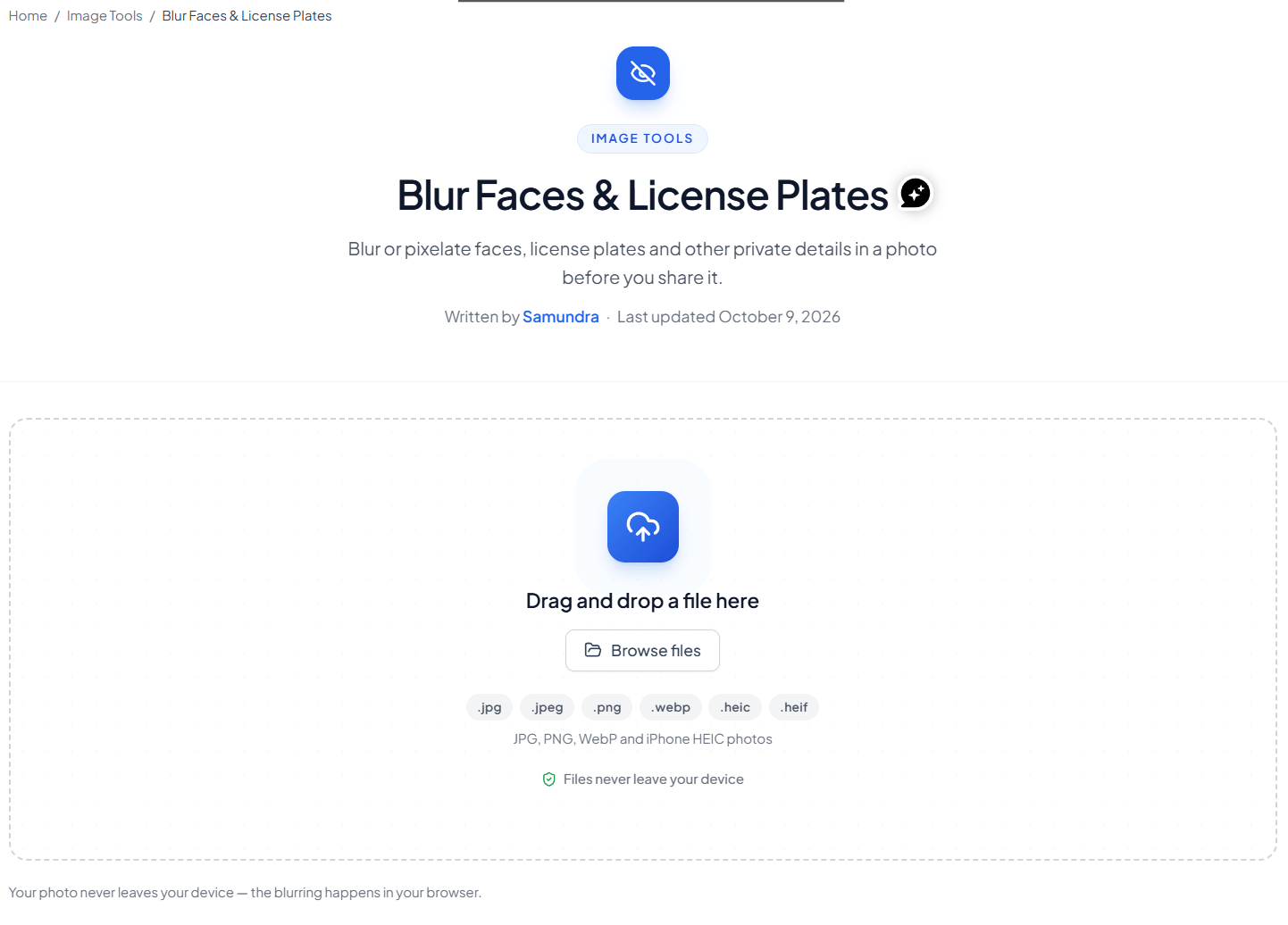
Drag and drop a file here
JPG, PNG, WebP and iPhone HEIC photos
Your photo never leaves your device — the blurring happens in your browser.
Related tools
Introduction
Blur Faces & License Plates is a free online tool provided by Useful Tooler. The tool lets you blur or pixelate the part of the image that you want to hide for the privacy or other reason. You can use it to protect personal information, personal data, vehicle registration plates, and other details before sharing photos online.
Useful Tooler Blur Face & which makes it more reliable and safe. You upload the image in the browser and use the tool. Your image will be removed instantly from the browser either you leave or refresh the site. It is the safest option you you'll find on the internet.
Useful Tooler's Blur Face and License Plate Tool
Photos can contain personal information that you may not want to share publicly. Faces in your image, license plates in images, addresses, names, phone numbers, and other sensitive information can sometimes be visible without you noticing.
Useful Tooler’s blur faces and blur license plates tool helps hide details before you share photos. Share photos on websites, social media, marketplaces, blogs, or other platforms.
You can select a specific area of the image and apply a blur or pixelation effect. This gives you control over exactly what you want to hide while keeping the rest of the original image unchanged.
Why Useful Tooler's Blur Face and License Plate Tool?
- Client-Side Processing: Your photos never leave your device. Everything happens securely in your browser.
- Supported Formats: Works with JPG, PNG, WebP, and iPhone HEIC photos.
- Privacy-First: Files are instantly cleared when you leave or refresh the page.
Why Blur Faces and License Plates?
Blurring faces and license plates is commonly used to protect privacy when sharing photos publicly.
- Protect Personal Information
Images can contain personal data and other personal information that can identify someone. Blurring faces and other sensitive areas can help reduce the amount of identifying information exposed when sharing photos online.
- Hide Faces in Your Image
If other people appear in your photograph, you may want to anonymize their identity before publishing the image. A face blur can make faces difficult to recognize while allowing you to keep the rest of the photograph visible.
- Blur License Plates in Images
Vehicles often appear in street photography, travel photos, property listings, and social media posts. Vehicle registration plates can contain identifying information, so you may want to blur license plates before publishing an image.
- Anonymize Sensitive Information
Faces and license plates are not the only things that may need protection. You can also blur other areas containing sensitive information, such as names, addresses, phone numbers, usernames, or details visible in screenshots.
Can it only be used on Face and License Plate only?
No. It is just a tool that pixelates or blurs the certain area on image only. The image do not have to be either face or license plate. You can upload any image. The tool does not recognizes what is in the image.
The Face and License Plate is specifically mentioned because they are the most sensitive part in the image. For privacy you may want to blur the face keeping other part of image as it is.
The License Plate is one of private thing you should not include in the image for your own privacy. The observer may misuse the information for other reason.
The tool doesn't recognizes the object in the image. You can simply upload any kind of image and blur any part you want.
Ways to use Useful Tooler's Face and License Plate properly.
Every tool has it's own features and way to use those features properly. You can use the tool better when you already have idea on how to use it so that the tool becomes more effective.
Here are some tips that may be useful while using Useful Tooler Blur Face and License Plate tool:
- Choose which face and area you want to blur
You don't have to hide every face in a photo. With a manual selection tool, you pick exactly which faces and any other areas get blurred. It gives you more control over the tool.
The tool is more useful when a photo has several people but only certain individuals needs to be blurred. You can also blur individual license plates without touching the rest of the vehicle or the background.
- Blur Face for Privacy
Blur faces when you want to make people in your photos less identifiable. It works well for street photography, events, travel shots, public places, workplace. Images anywhere people show up in the background. A face blur is a simple way to hide faces in images before you share them publicly.
- Blur License Plate for Privacy
License plates often show up in photos of cars, motorcycles, streets, parking areas, and travel spots. If you're posting a vehicle photo online, blurring the plate keeps the registration number from being clearly visible. And you can do the same when there are several plates in one image.
- Objects in image you can blur
When editing photos for privacy, it is important to keep your image's originality. Here are the area you can focus on the image next time when you are editing the image.
Before sharing a image, inspect the entire photograph for:
- Faces
- License plates
- Vehicle registration plates
- Names
- Addresses
- Phone numbers
- Usernames
- Other personal information
- Other sensitive information
Make sure the information you intended to hide cannot still be read around the blurred area.
Who can use Useful Tooler Blur Face and License Plate Tool?
The blur tool can be useful for:
- Photographers sharing street photography
- Travelers sharing photos online
- Car sellers posting vehicle photos
- Real estate users publishing property images
- Bloggers and website owners
- Social media users
- Businesses sharing photographs
- Anyone who wants to protect personal information
Protect Your Privacy Before Sharing Images
Whether you are posting a travel photograph, selling a car, publishing an article, or sharing a picture on social media, check the image for personal data before making it public.
Use Useful Tooler's Blur Faces & License Plates tool to easily blur faces, license plates, and other sensitive information while keeping the rest of your image intact.
How to use
Upload Your Image
You can drag and drop or upload the image into the tool
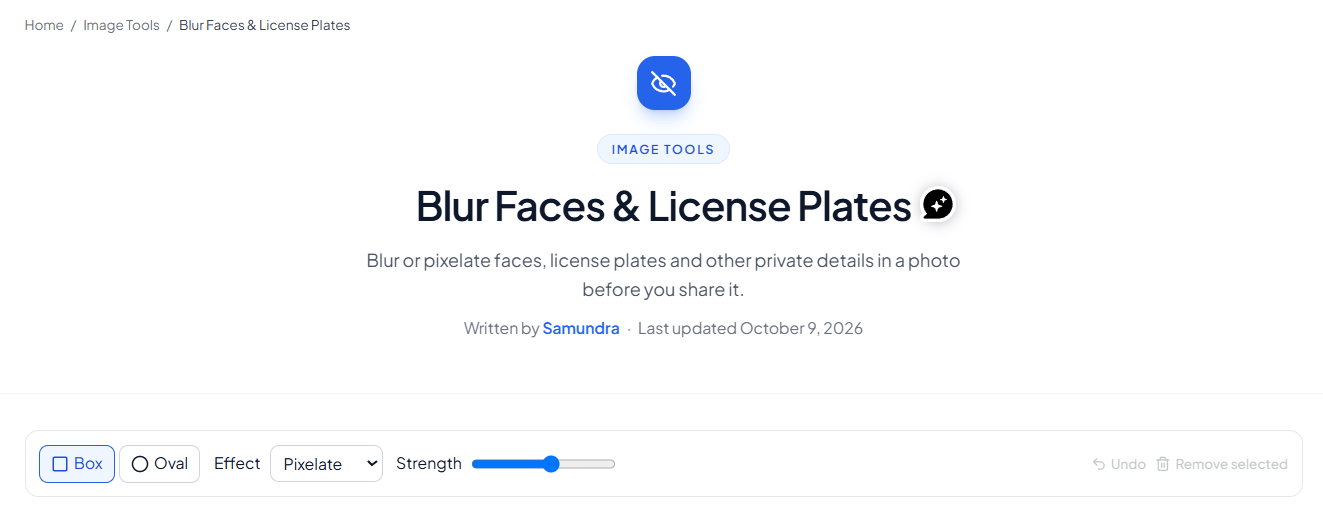
Select your preferred method to use forward.
You can choose between box and oval with blur, pixelate or solid box and manage the strength for hiding the information.
Select the part you want to hide.
You can draw a box or oval based on which method you have chosen previously.
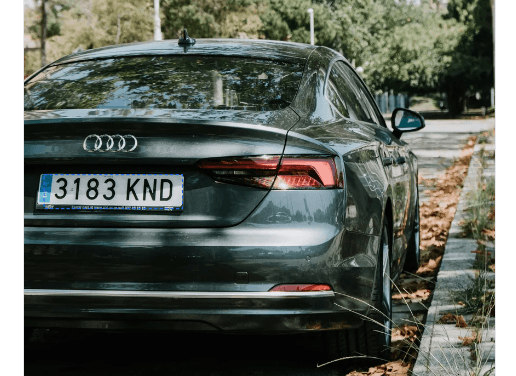
Preview the image and make changes.
You can preview the image and make any change you want on the image. You can change the strength if you want too.
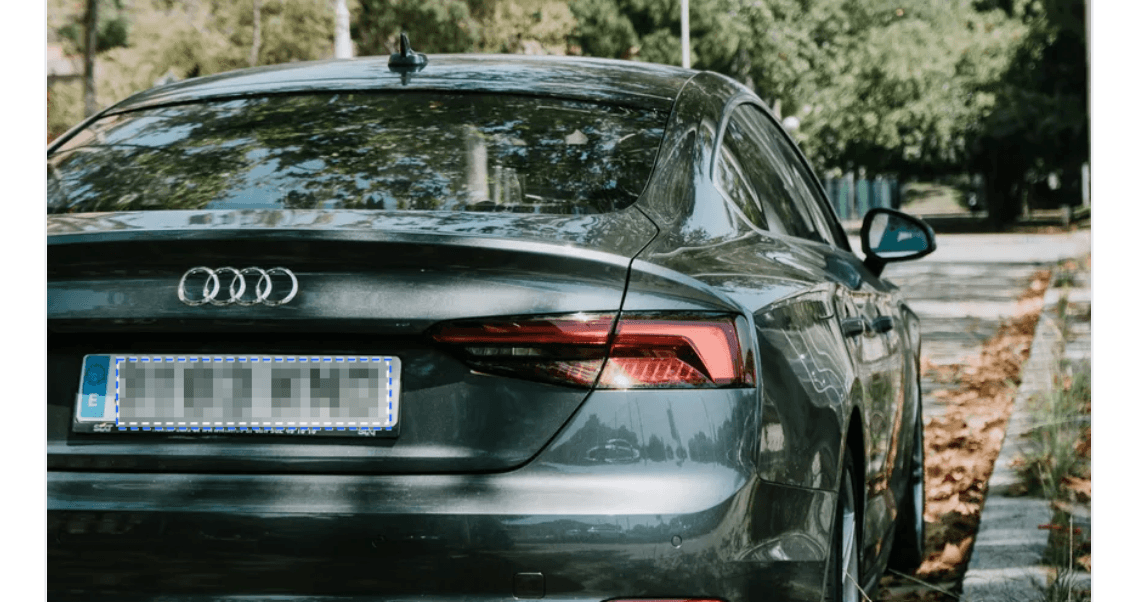
Download the image.
You can download the final edited image.

Frequently asked questions
Can I blur faces online for free?
Yes. You can use Useful Tooler's free online tool. You can use it to blur or pixelate faces and other selected areas of an image.
Can I blur license plates in images?
Yes. You can select license plates in images and apply a blur or pixelation effect before sharing the photograph.
Can I choose which faces to blur?
Yes. When using manual selection, you can choose which faces or other areas of the image you want to hide.
What is face detection?
Face detection is a technology that identifies faces within an image. Some privacy tools use automatic or AI-based detection to locate faces before applying a blur effect.
Does automatic detection find every face?
Not necessarily. Automatic detection can miss faces because of image quality, lighting, distance, angles, obstructions, or other factors. Always review the final image before publishing it.
Can I adjust the blur intensity?
If the tool provides a blur intensity control, you can adjust how strongly the selected area is blurred. A stronger effect can make the underlying information harder to recognize.
What information can I blur?
Besides faces and license plates, you can blur anything on the image. Such as names, addresses, phone numbers, usernames, vehicle registration plates, and other personal or sensitive information.
Why should I blur faces before sharing photos?
Blurring faces can help protect people's privacy. It reduce the amount of personally identifiable information exposed when sharing photos online.
Why should I blur vehicle registration plates?
Blurring vehicle registration plates can help prevent registration numbers from being clearly visible in publicly shared photographs.
Is blurring the same as deleting personal information?
No. Blurring hides information visually but does not necessarily remove every possible source of identifying information. Always review the complete image before publishing it.
Last updated:
Share this tool
Know someone who'd find it useful? Send it their way.